From laptops and televisions to gaming systems and smart home devices, electronics are some of the most valuable—and fragile—items you'll move. Improper packing can lead to cracked screens, damaged components, tangled cords, or expensive replacements.
Whether you're moving across Pittsburgh or across the country, taking a few extra precautions can help ensure your electronics arrive safely.
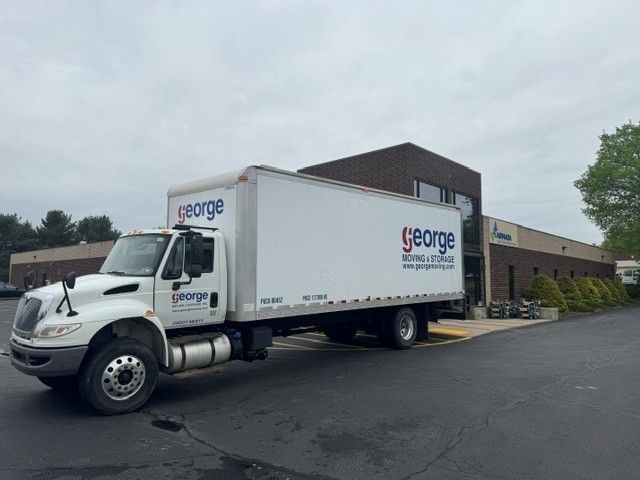
At George Moving & Storage, we've moved everything from home entertainment systems to commercial servers and specialized laboratory equipment. Here are our top tips for packing electronics like a pro.
Back Up Your Important Data
Before you disconnect anything, back up your files.
Moving doesn't typically damage hard drives, but accidents can happen. A backup protects important photos, work files, and personal documents.
Consider backing up your devices to:
Cloud storage
An external hard drive
A USB drive for essential files
Having multiple backups gives you peace of mind.
Photograph Cable Connections
Before unplugging your TV, desktop computer, or entertainment center, take a few photos of the back of each device.
These photos make reconnecting everything much easier once you've moved into your new home.
It's a simple step that can save hours of frustration.
Label Every Cord
One of the biggest moving headaches is figuring out which cable belongs to which device.
Use masking tape or cable labels to identify:
Power cords
HDMI cables
Ethernet cables
Charging cords
Speakers
Computer accessories
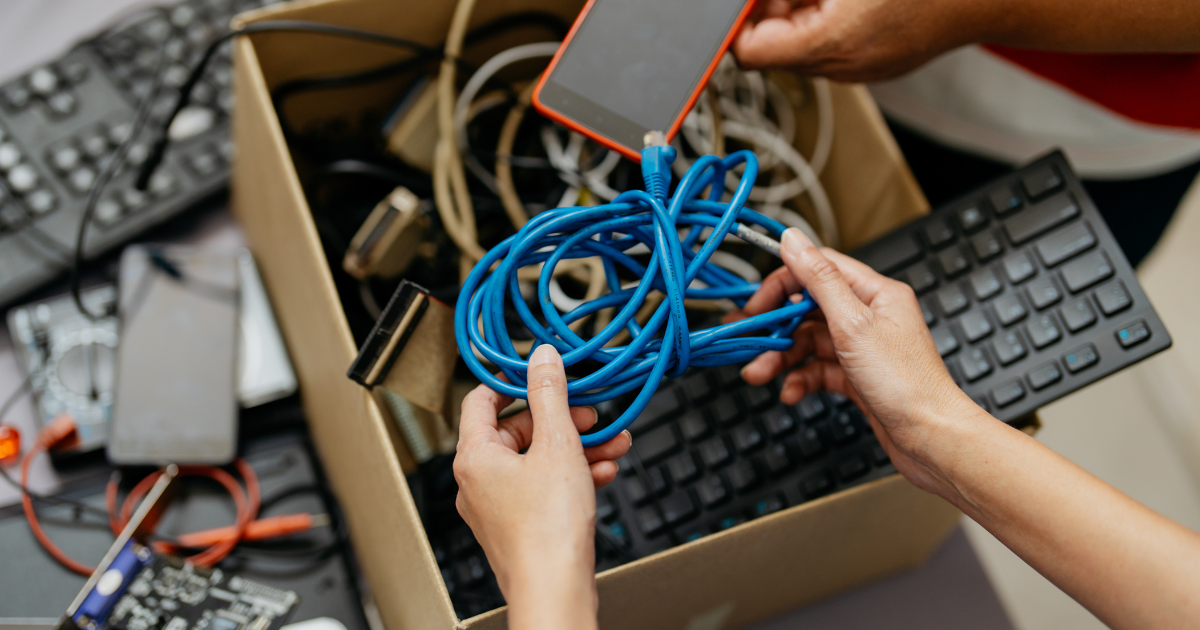
Bundle each device's cables together using twist ties or Velcro straps, then place them in a labeled plastic bag.
Use the Original Packaging If You Still Have It
Original boxes are designed specifically to protect electronics.
If you saved the packaging for your:
Television
Computer monitor
Gaming console
Printer
Small appliances
...use it.
The molded inserts provide excellent protection during transport.
No Original Box? No Problem.
If you no longer have the original packaging:
Choose a sturdy moving box slightly larger than the device.
Wrap the item in several layers of bubble wrap.
Fill empty space with packing paper or foam so nothing shifts during transit.
Avoid using loose packing peanuts alone for heavier electronics.
Movement inside the box is one of the biggest causes of damage.
Remove Batteries and Accessories
Whenever possible, remove:
Batteries
Memory cards
External hard drives
USB drives
Ink cartridges
Pack these items separately and clearly label them.
This reduces weight and prevents damage during transportation.
Protect Screens Carefully
Screens are especially vulnerable during a move.
For TVs, monitors, and tablets:
Place a soft blanket or foam sheet over the screen.
Wrap the entire device in moving blankets or bubble wrap.
Keep televisions upright during transport whenever possible.
Avoid placing heavy boxes on top of any screen.
Pack Smaller Electronics Together
Items such as:
Speakers
Routers
Modems
Streaming devices
Keyboards
Computer mice
can often be packed together in one well-cushioned box.
Label the outside of the box "Electronics – Fragile."
Keep Important Devices With You
Whenever possible, personally transport:
Laptops
Tablets
Cell phones
External hard drives
Cameras
Personal documents containing sensitive information
These are both valuable and frequently used immediately after your move.
Consider Professional Packing Services
Large televisions, expensive computer systems, and specialty electronics require extra care.
Professional movers have access to:
High-quality packing materials
Specialty cartons
Protective moving blankets
Secure loading techniques
At George Moving & Storage, our experienced team knows how to properly protect valuable electronics throughout the moving process.
Trust George Moving & Storage With Your Valuable Electronics
Whether you're relocating your home office, entertainment center, or an entire business, protecting your electronics is a top priority.
Our professional movers use proven packing techniques and quality materials to help ensure your valuable equipment arrives safely at its destination.
From local moves throughout Pittsburgh to long-distance and commercial relocations, we're here to make your move easier.
Frequently Asked Questions
Should I leave cords plugged into my electronics?
No. Disconnect all cables, label them, and pack them separately to avoid damage and make setup easier.
Can I pack electronics in regular moving boxes?
Yes, as long as the boxes are sturdy, properly sized, and filled with protective packing materials to prevent movement.
Should televisions be transported lying flat?
No. Flat-screen TVs should generally remain upright during transportation to reduce stress on the screen and internal components.
Is it worth paying for professional packing?
For expensive or fragile electronics, professional packing can help reduce the risk of damage and provide added peace of mind.
Subscribe to George Moving and Storage's Blog













Comments